
How to Add Liquidity on Katana DEX: V2, V3 and Risks
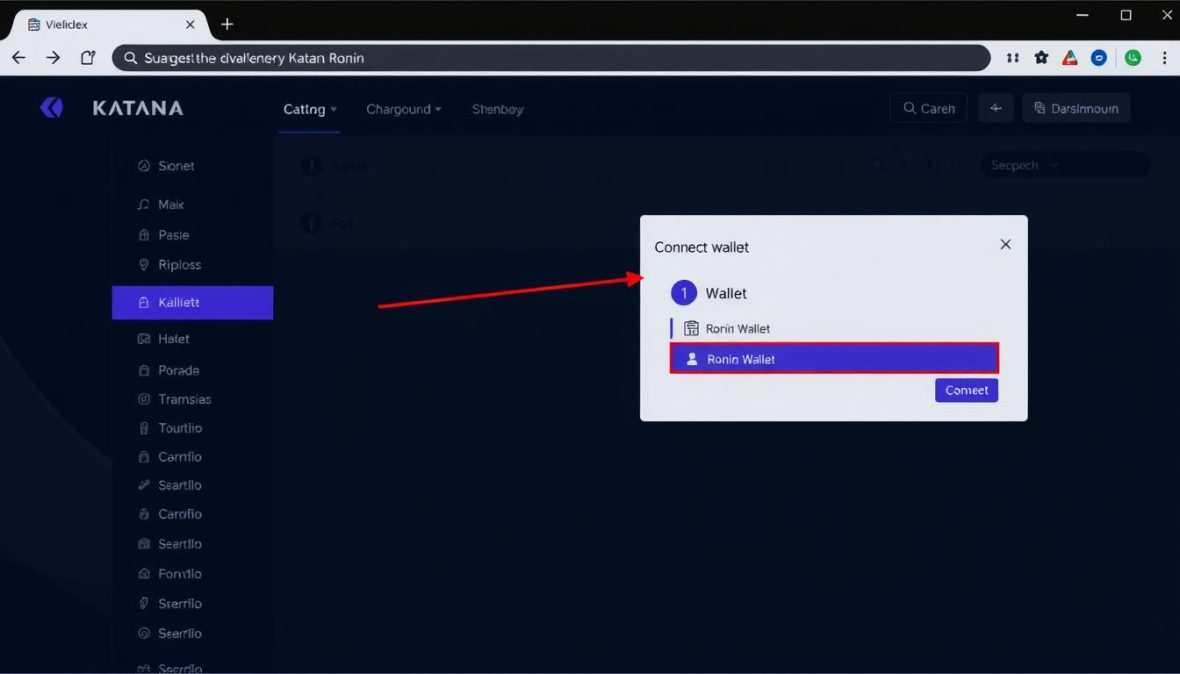
To add liquidity on Katana DEX, open the Liquidity page at app.roninchain.com/liquidity, connect your Ronin Wallet, choose a V2 or V3 pool, enter the amounts, approve the tokens and confirm in your wallet. V2 spreads your deposit across every price. V3 lets you pick a fee tier and a price range. This guide walks through both, then covers viewing, collecting and withdrawing, plus the risks.
Updated October 2026. Steps and fees were checked against Ronin’s documentation on that date. Katana.so is an independent guide, not Ronin or Sky Mavis, and nothing here is financial advice.
Key takeaways
- Katana offers two pool types. V2 is a classic pool that earns across all prices. V3 is concentrated liquidity inside a range you set.
- V2 charges 0.3% per swap. V3 pools use 0.01%, 0.3% or 1%. Liquidity providers get the larger share of each fee.
- A V3 position earns nothing while the price is outside your range.
- Earnings are never guaranteed, and impermanent loss can leave you with less value than if you had simply held the tokens.
What does adding liquidity on Katana DEX mean?
Adding liquidity means depositing two tokens into a pool so other people can trade against it. In return you earn a share of the swap fees. Katana is an automated market maker, so there is no order book. Prices move as the balance of each pool changes. For background on the exchange itself, read our Katana DEX overview.
You must deposit an equal value of both tokens. Katana works out the matching amount for you once you type one side.
What do you need before you start?
- A Ronin Wallet connected to the Ronin app. New to Ronin? Follow how to get started first.
- Both tokens of the pair you want to supply.
- A little RON to pay gas for each transaction. If you need it, see how to buy RON.
- The official address. Type app.roninchain.com yourself or use a bookmark, because fake DeFi pages can ask your wallet for harmful approvals.
Should you choose Katana V2 or V3?
Choose V2 if you want a simple deposit you do not have to manage. Choose V3 if you are willing to set a price range and check it from time to time.
| Katana V2 | Katana V3 | |
|---|---|---|
| Where your liquidity works | Across all prices | Only inside the range you set |
| Swap fee | 0.3% | 0.01%, 0.3% or 1% |
| What you hold | LP tokens | A position with a price range |
| Fees | Added to the pool automatically | Not reinvested, see the note on claiming below |
| Price leaves your range | Not applicable | No fees earned, position sits in one token |
Ronin’s docs say the V3 fee tiers and price range are the main changes. A narrower range gives higher capital efficiency, but a wider range lowers the chance of going out of range.
Which fee tier should you pick on V3?
Katana’s docs match each tier to a type of pair. The share that goes to liquidity providers is what you can earn.
| Fee tier | To liquidity providers | To Ronin Treasury | Used for |
|---|---|---|---|
| 0.01% | 0.005% | 0.005% | Stablecoin pairs |
| 0.3% | 0.25% | 0.05% | Most trading pairs |
| 1% | 0.85% | 0.15% | High-volatility pairs |
V2 pools charge a flat 0.3%, split 0.25% to liquidity providers and 0.05% to the Ronin Treasury. If you choose a tier where no pool exists yet, your position creates that pool.
How do you add liquidity to a Katana V2 pool?
- Open app.roninchain.com/liquidity and connect your Ronin Wallet.
- Select the V2 Pools tab and open the pool you want.
- Enter an amount. Katana fills in the matching amount of the other token.
- Approve each token in your wallet if asked. Ronin’s docs say you may need to approve a token the first time you use it.
- Review the LP tokens you will receive, your contribution and your pool share.
- Click Confirm add liquidity and sign in your wallet.
How do you add liquidity on Katana V3 and set a price range?
- On the Liquidity page, select the V3 Pools tab and open your pool.
- Choose a fee tier from the table above.
- Set a minimum and maximum price. Katana rounds both to the nearest tick price and shows your capital efficiency.
- Enter the amount and approve the tokens if needed.
- Review the amounts and range, click Add liquidity and confirm in your wallet.
The range is the key decision. Ronin’s docs give two examples: a full range from 0 to infinity has an efficiency of x1, while a very tight range of 0.999 to 1.001 shows about x2000. Tighter ranges concentrate your deposit, which can raise fees while price stays inside, but they stop earning the moment price leaves. A range set fully above or below the current price is single-sided, meaning you deposit only one token.
How do you view your Katana liquidity position?
Open the Liquidity page and select My positions.
- V2: shows APR, your position, fees earned and any claimable farming rewards if that pool supports them.
- V3: shows your price range, position size, collected fees and uncollected fees.
Check V3 positions regularly. If the current price sits outside your range, the position is not earning.
How do you remove liquidity and collect fees?
- In My positions, select the position.
- Open the Remove liquidity panel.
- Choose how much to take out. V2 lets you enter an amount. V3 uses a percentage slider. Click Remove.
- Review the amounts, click Remove liquidity and confirm in your wallet.
On V2, fees are part of the pool, so they come back with your tokens when you withdraw. On V3, Ronin’s docs agree that fees are not automatically reinvested, but they describe claiming differently. The add or remove liquidity page says to claim them separately, while the create-pool page says fees are claimed by withdrawing liquidity. Because the docs differ, check the prompts in the app before you withdraw. The uncollected amount is shown on your position page. You receive both tokens in the ratio the pool holds at that moment, which can differ from what you deposited.
What are the risks of providing liquidity on Katana?
- Impermanent loss: if the price of one token moves against the other, your pool share can be worth less than just holding both tokens. Ronin’s docs warn that profit is not guaranteed and impermanent loss can occur.
- Out-of-range V3 positions: they earn no fees and end up held in one of the two tokens.
- Smart contract risk: any DeFi contract can contain bugs or be exploited, and you could lose your deposit.
- Token risk: Katana marks experimental “Seed” tokens as higher risk than verified “Main” tokens.
- Gas costs: every add, claim and withdrawal costs RON, which matters for small positions.
What does impermanent loss look like? A hypothetical example
This is a made-up example for illustration, not a forecast and not a real pool. Assume a V2-style 50/50 pool, no fees and no gas.
| Step | Holding the tokens | Supplying to the pool |
|---|---|---|
| Start | $500 of token A plus $500 of token B = $1,000 | Same $1,000 deposited |
| Token A doubles in price against token B | $1,000 + $500 = about $1,500 | About $1,414 |
| Difference | About 5.7% less than holding |
Fees could narrow or close that gap, or not. As an illustration of fees only: if $10,000 of swaps passed through a 0.3% pool, $25 (0.25%) would go to all liquidity providers combined, shared by pool share. Real volume and your share will differ.
Is there a live reward program for Katana liquidity providers?
Ronin’s Farms documentation describes how farms and LP staking work, but it lists no current programs. Check the Katana app for anything live before assuming rewards exist. Ronin became an Ethereum Layer-2 in May 2026 and said the migration would not affect Katana’s liquidity pools, while RON staking is no longer available. Our RON farming guide explains what earning looks like now.
As a size reference, DefiLlama showed about $9.3 million in Katana V2 and $1.6 million in Katana V3 on October 21, 2026.
FAQ
How do I add liquidity on Katana DEX?
Go to app.roninchain.com/liquidity, connect your Ronin Wallet, pick V2 Pools or V3 Pools, open a pool, enter amounts, approve tokens and confirm. On V3 you also choose a fee tier and a price range.
What fees do Katana liquidity providers earn?
V2 pays 0.25% of each swap to liquidity providers, out of a 0.3% fee. V3 pays 0.005% on the 0.01% tier, 0.25% on the 0.3% tier and 0.85% on the 1% tier. The rest goes to the Ronin Treasury.
Why is my V3 position not earning fees?
The price has probably moved outside your minimum and maximum. Out-of-range positions earn nothing until the price returns or you change the position.
How do I withdraw liquidity from Katana?
Open My positions, select the position, use the Remove panel to choose an amount or percentage, then confirm in your wallet. For V3, Ronin’s docs differ on whether fees are claimed separately or by withdrawing, so check the app prompts.
Can I lose money providing liquidity?
Yes. Impermanent loss, price moves, smart contract bugs and gas costs can all reduce what you get back. Ronin’s docs state that profit is not guaranteed.
Do I need a Ronin Wallet?
Ronin’s docs tell users to connect a Ronin Wallet, and you need a little RON for gas.
Sources
