How to Swap Tokens on Katana DEX: A Step-by-Step Guide
To swap tokens on Katana DEX, open app.roninchain.com/swap, connect your Ronin Wallet, choose the “from” and “to” tokens, enter an amount, review the details and confirm in your wallet. The whole Katana swap takes five short steps, and you pay a small fee in the token you are selling plus gas in RON. This guide was checked against Ronin’s documentation in October 2026.
Updated October 2026
Key takeaways
- Ronin’s documentation says to open Katana, connect your Ronin Wallet, pick two tokens, enter an amount, click Swap, then confirm twice: in the Confirm Swap pop-up and in your wallet.
- Swap fees are paid in the input token. Katana V2 charges 0.3%. Katana V3 pools charge 0.01%, 0.3% or 1%.
- The Max. slippage and Minimum receive numbers decide whether a swap fails. If the price moves past them, the transaction fails.
- Ronin became an Ethereum Layer-2 in May 2026 and kept RON as the gas token.
How do I swap tokens on Katana DEX?
Katana is the decentralized exchange built into the Ronin app. A swap means selling tokens you own for a matching amount of another token, minus a fee that goes to liquidity providers, the users who fill the pools. Before you start, the tokens must already be in your Ronin Wallet. Ronin’s docs list three ways to get them: depositing from Ethereum through Ronin Bridge, buying on the Purchase page, or receiving them from other users. If you are new, begin with our beginner guide to getting started, and see how to buy RON if your wallet has none.
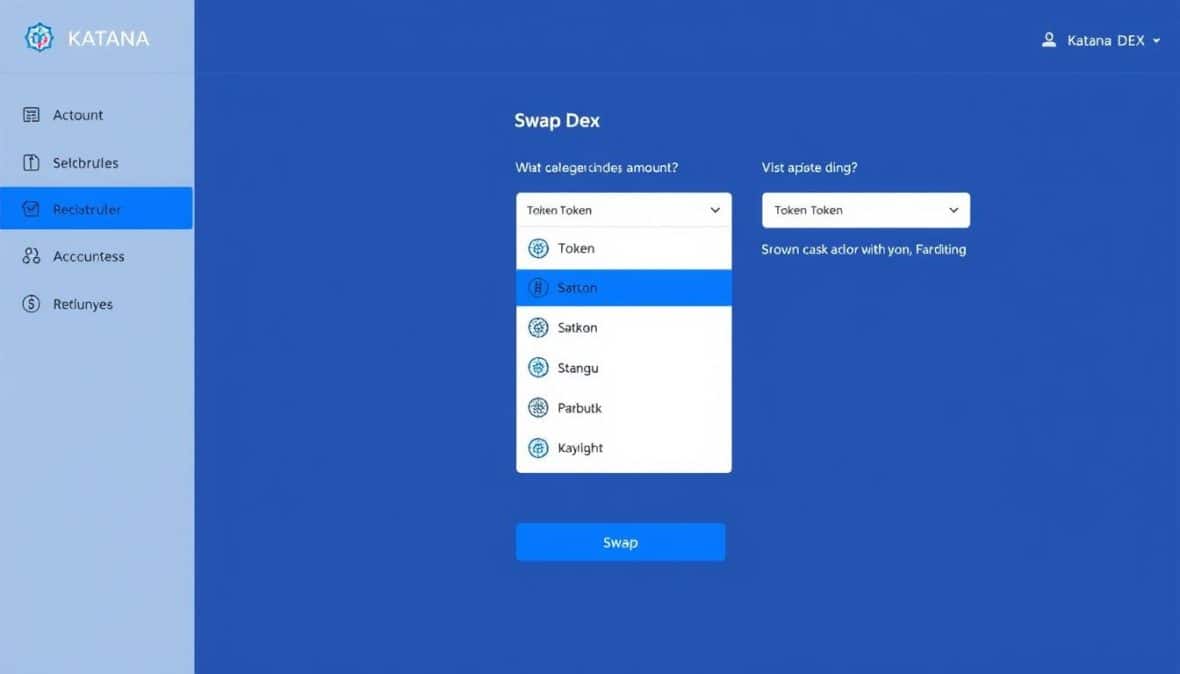
- Open Katana and connect your wallet. Go to app.roninchain.com/swap, the address given in Ronin’s docs, and connect your Ronin Wallet. The Swap page opens by default.
- Pick the tokens. Click either token box to see the full list of supported tokens. Choose what you are selling and what you want to receive.
- Enter an amount. Type it into either box. The other box fills in at the current exchange rate. Click Swap. You can expand the exchange rate box to see more detail.
- Review the Confirm Swap pop-up. Check the numbers explained below, then click Confirm Swap.
- Confirm in your wallet. Approve the request in your Ronin Wallet. When the transaction completes, a confirmation pop-up appears, and from there you can view it on the explorer.
For a broader tour of the exchange, our Katana DEX overview covers what it is and how it works.
Is the Katana swap page safe to use?
The only address this guide uses is app.roninchain.com/swap. Katana.so is an independent guide and cannot swap tokens for you. As general crypto safety advice, type the address yourself or use a bookmark instead of clicking links in ads or messages, because fake swap pages exist and may ask your wallet for permissions you did not intend to give.
What are main tokens and seed tokens on Katana?
Katana sorts tokens into two groups with different risk levels, according to Ronin’s docs.
| Main tokens | Seed tokens | |
|---|---|---|
| How they are judged | Factors such as depth of liquidity, market cap, volume and whether the team is verified | Higher risk and volatility |
| Label | A “main” tag | A plant icon |
| Examples in docs | RON and WETH | All newly launched tokens start here |
| Who can trade them | Anyone | Anyone |
The docs say seed tokens “may be designed to be highly experimental and inflationary at their inception.” The first time you interact with a token, Katana asks you to acknowledge the risks. Labels are reviewed regularly, so a seed token can later become a main token.
What are the Aggregator and Legacy options, and V2 versus V3?
Katana runs two pool versions. V2 pools have one flat fee. V3 pools offer three fee tiers. The default routing option, called the Aggregator or smart order router, pulls liquidity from both V2 and V3 pools. Ronin’s docs say this gives access to a broader range of liquidity sources than the older router, which was limited to V2 pools. To use the old router, open Transaction Settings and set Default trade options to Legacy.
The Route line in the Confirm Swap pop-up shows the path your trade takes. It can be direct or pass through a bridge token. The docs note the direct route “might not always be the cheapest.”
What does a Katana swap cost?
Swap fees are always paid in the input token, and the fee applies in each pool your swap path passes through.
| Pool | Fee | Split | Used for |
|---|---|---|---|
| Katana V2 | 0.3% | 0.25% liquidity providers, 0.05% Ronin Treasury | Standard pools |
| Katana V3 | 0.01% | 0.005% liquidity providers, 0.005% Ronin Treasury | Stablecoin pairs |
| Katana V3 | 0.3% | 0.25% liquidity providers, 0.05% Ronin Treasury | Most trading pairs |
| Katana V3 | 1% | 0.85% liquidity providers, 0.15% Ronin Treasury | High volatility pairs |
Swapping inside the Ronin Wallet app or extension is a separate feature called Wallet Swap. Per the docs, it adds a 0.5% development fee on top, paid in the output token. You also pay network gas in RON. Ronin said in its May 2026 announcement that RON stays the gas token after the move to Ethereum.
To see how those fees reach pool owners, read how to add liquidity on Katana.
What do slippage and price impact mean?
Prices in a pool move while your transaction waits to be processed, and large orders move the price themselves. The Confirm Swap pop-up shows these fields:
- Rate: the exchange rate between the two tokens.
- Price impact: an estimate of the slippage to expect based on your order size and market movement.
- Max. slippage: the highest price movement allowed. Per the docs, anything greater results in a failed transaction.
- Minimum receive: the lowest amount you can get at that tolerance, the worst case. Anything less results in a failed transaction.
- Liquidity provider fee: the part of the fee allocated to liquidity providers.
- Route: the trading path.
In plain terms, Minimum receive is a safety floor. If the pool cannot give you at least that amount when your swap is processed, the swap stops instead of filling at a worse price. As general advice, a high price impact on a thinly traded token is a sign to look closely before confirming.
Why does Katana ask me to approve a token?
The first time you use a token, Katana asks you to approve it. Ronin’s docs describe this as allowing a smart contract to interact with that token, and say it is a one time action per token. The approval prompt appears before you can continue, and you confirm it in your Ronin Wallet like any other transaction.
How do I check my swap on the Ronin explorer?
When the swap completes, the confirmation pop-up offers a link to view the transaction on the explorer. The Ronin explorer at explorer.roninchain.com is built on Blockscout. As a general rule, block explorers show a transaction status, so the explorer page is where to confirm whether the swap went through.
Why did my Katana swap fail?
Ronin’s swap page has no troubleshooting section, so this list combines what the docs say with general advice.
- The price moved past your limits. Per the docs, a price movement greater than Max. slippage, or an output below Minimum receive, causes a failed transaction. This is documented.
- Not enough RON for gas. Ronin keeps RON as the gas token, so a wallet with no RON cannot pay network costs. General advice: keep a small RON balance.
- An approval was skipped or rejected. A token has to be approved before its first use, so check the wallet for an unfinished prompt.
- The route or pool changed. Pools shift while you wait.
If none of these fits, the Ronin docs point users to the Ronin support center at support.roninchain.com.
How do I avoid scam tokens on Katana?
Anyone can trade seed tokens, and all newly launched tokens start as seed, so a plant icon is a prompt to slow down. This part is general crypto safety advice, not Ronin documentation:
- Check the token’s contract address from the project’s own official channel before swapping.
- Be careful with tokens that arrive in your wallet unasked.
- Ignore swap links sent in direct messages or ads.
- Look at price impact and the Route line before every confirmation.
Wallet safety matters more than any setting on the exchange, so treat every prompt with care.
Frequently asked questions
What is the Katana swap address?
Ronin’s documentation links the swap app at app.roninchain.com/swap. Connect a Ronin Wallet there and the Swap page opens by default.
How much does a Katana swap cost?
Katana V2 charges 0.3%, split 0.25% to liquidity providers and 0.05% to the Ronin Treasury. Katana V3 charges 0.01%, 0.3% or 1% depending on the pool. Fees are paid in the input token, plus gas in RON.
What is the difference between main and seed tokens?
Main tokens are judged on factors such as liquidity depth, market cap, volume and a verified team. Seed tokens are higher risk, carry a plant icon, and include every newly launched token.
What does Minimum receive mean on Katana?
It is the lowest amount you can receive at your slippage setting. Per Ronin’s docs, if the result would be lower, the transaction fails.
Do I need RON to swap on Katana?
Yes, for gas. Ronin stated in May 2026 that RON remains the gas token after Ronin became an Ethereum Layer-2.
Sources
